transport
Play / stop / continue, tempo, metronome, recording, tap, undo / redo.
Ableton · Max for Live · Open source
Learn by talking, automate what slows you down. It backs you up — you're the one creating.
Play / stop / continue, tempo, metronome, recording, tap, undo / redo.
Tempo, time signature, scale (Live 12+), grooves, selection, swing, automation.
Volume, pan, sends, mute / solo / arm, routing, devices, master, returns, crossfader, take lanes.
Create / delete / fire, MIDI notes, warp markers, envelopes, quantize.
Fire with options, create, duplicate, delete, per-scene tempo and signature.
Song time, loop, punch, cue points, take lane clips.
Audio, Instrument and Drum racks. Chains, drum pads, macros, variations.
Simpler, Looper, Sample mode parameters, slicing.
Control surfaces, view navigation, Hot-Swap toggle, dialog automation.
Send raw MIDI messages (notes, CC) to drive external hardware or an IAC bus.
Load presets, instruments, effects, drum kits, samples programmatically.
Tuning systems (Live 12+) — read active microtonal grid, reference pitch.
get_usage_guide — bundled skill that primes the agent with conventions and recipes.
Direct LOM get / set / call for anything not covered semantically.
SSE streaming — subscribe to LiveAPI observers and receive push notifications when tempo, track props, or clip positions change in Live.
Not covered:
These 5 steps only show up on first launch. Once done, drop the device on any track and you're instantly back online.
Launch Ableton Live and drag the .amxd file onto any track.
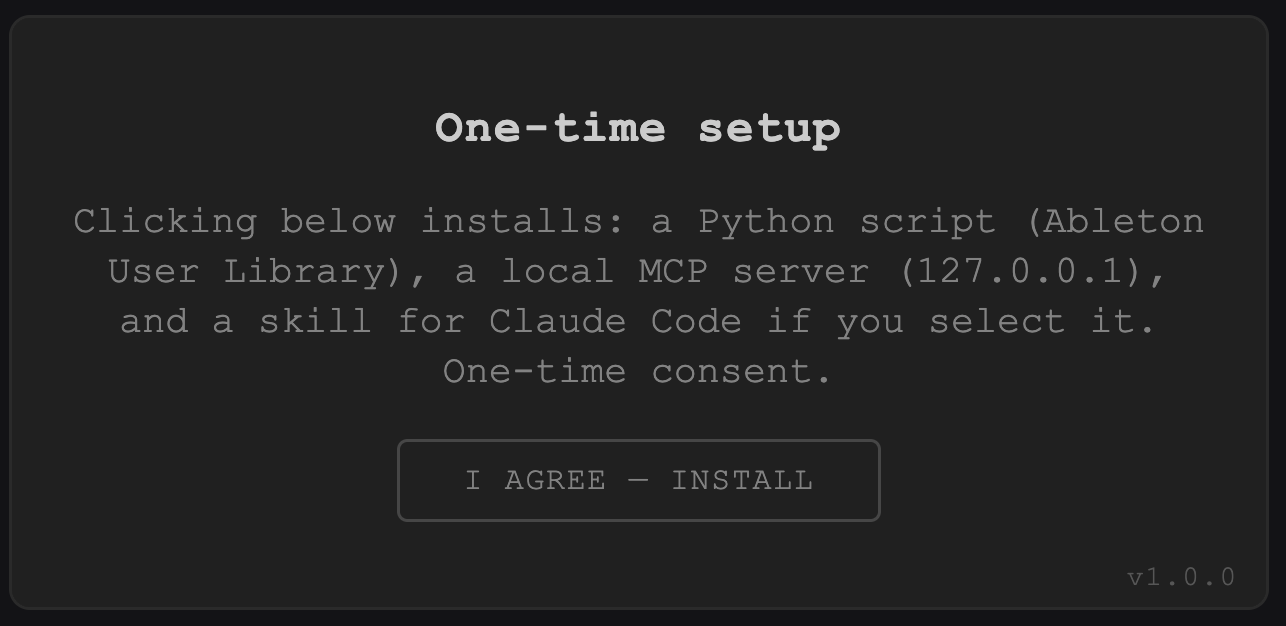
The device installs its helper into your Ableton library.
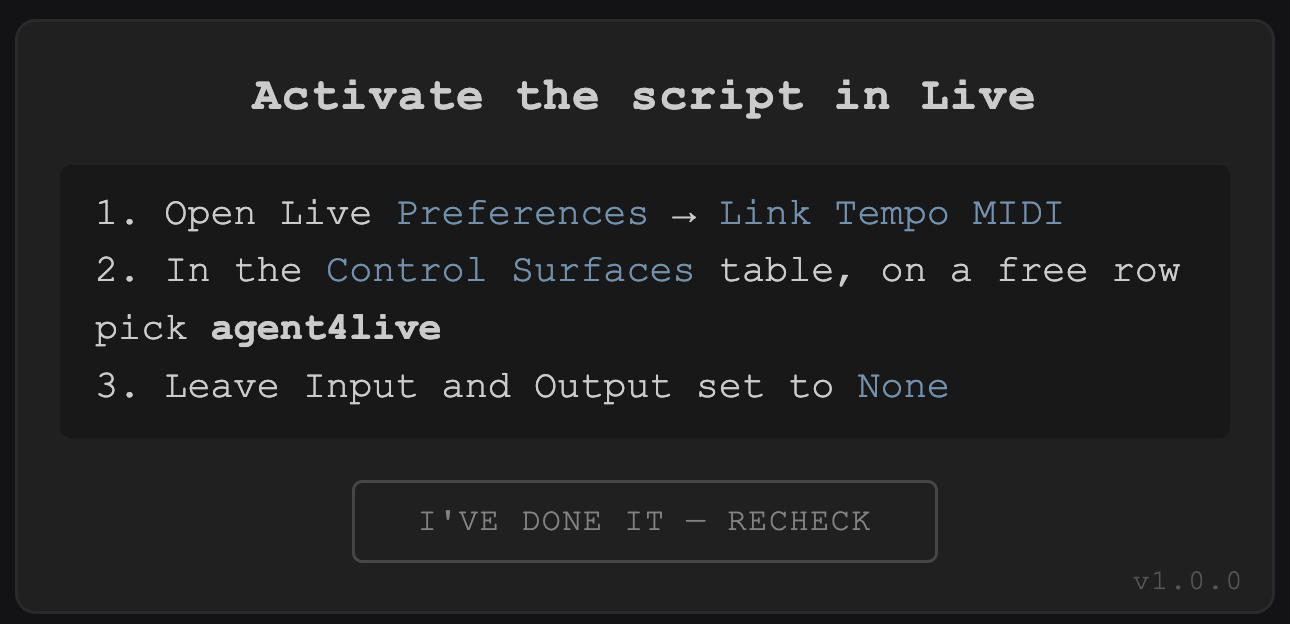
Once, so Ableton picks up the helper.
Preferences → Tempo & MIDI → Control Surfaces → agent4live.
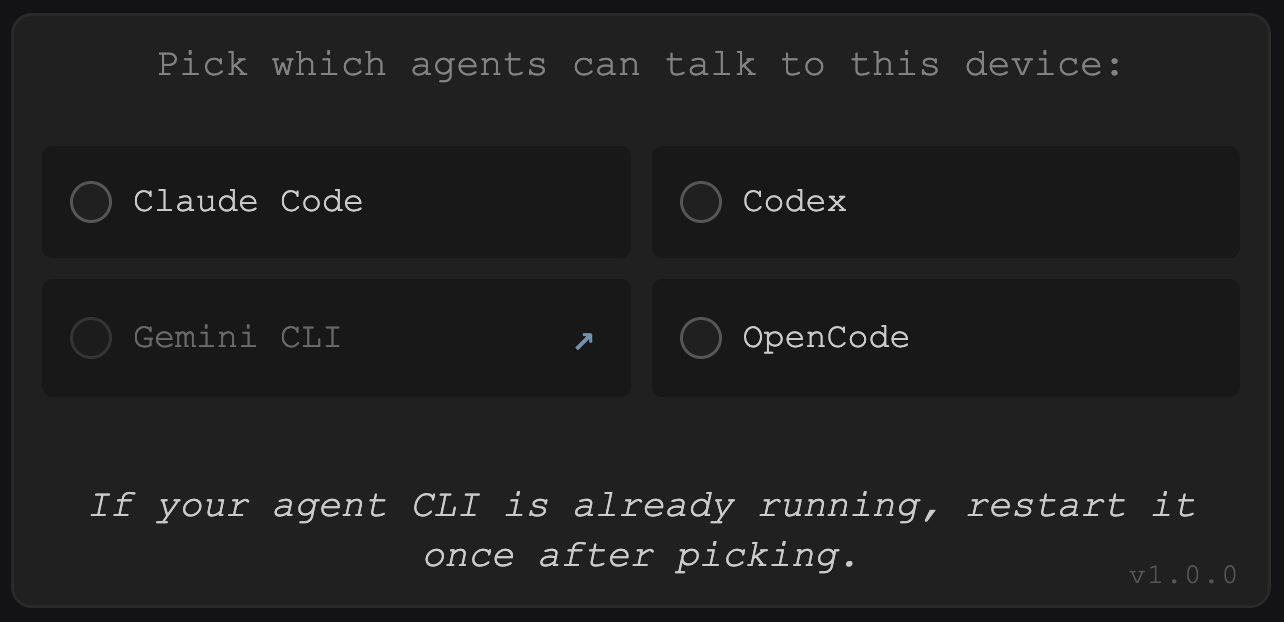
Claude Code, Gemini or OpenCode — tick the box.
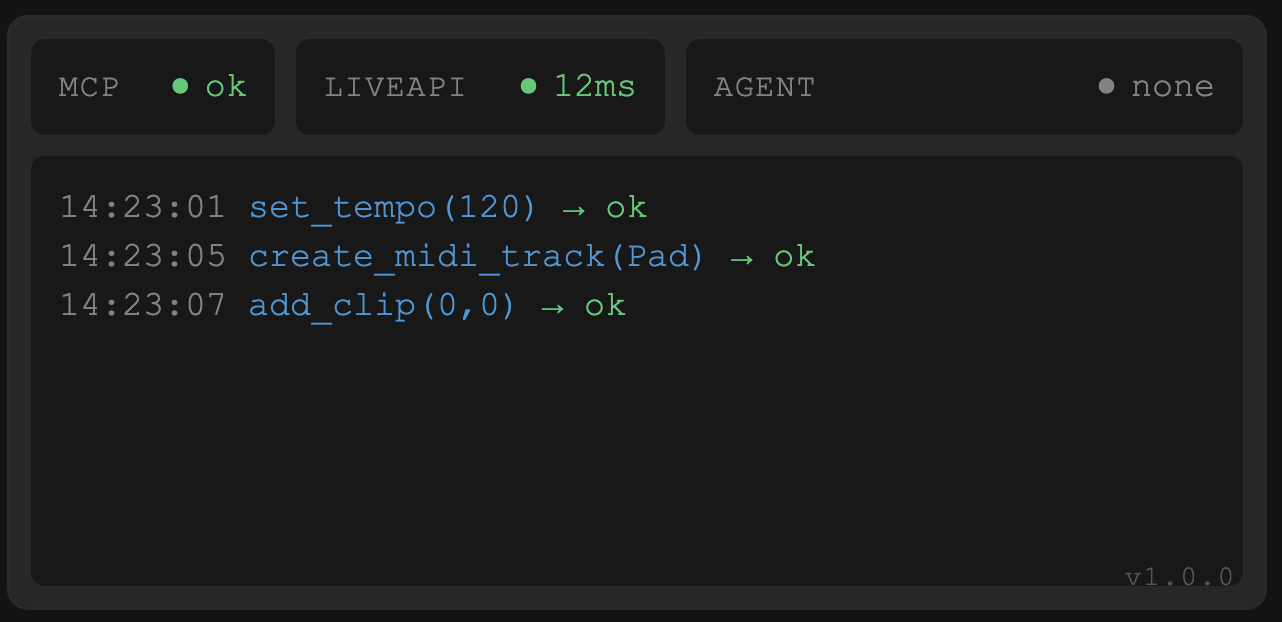
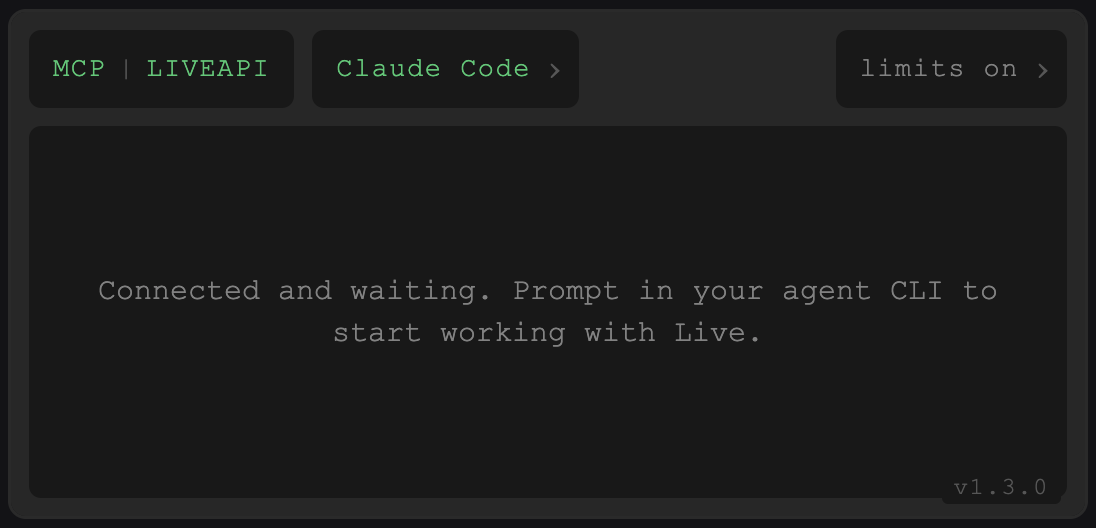
The device shows MCP ok. You can now talk to your agent.
Launch Ableton Live and drag the .amxd file onto any track.
Open your terminal and start Claude Code, Gemini or OpenCode.
For example:
What's the tempo and how many tracks do I have?
Add a four-on-the-floor on the kick at 124.